
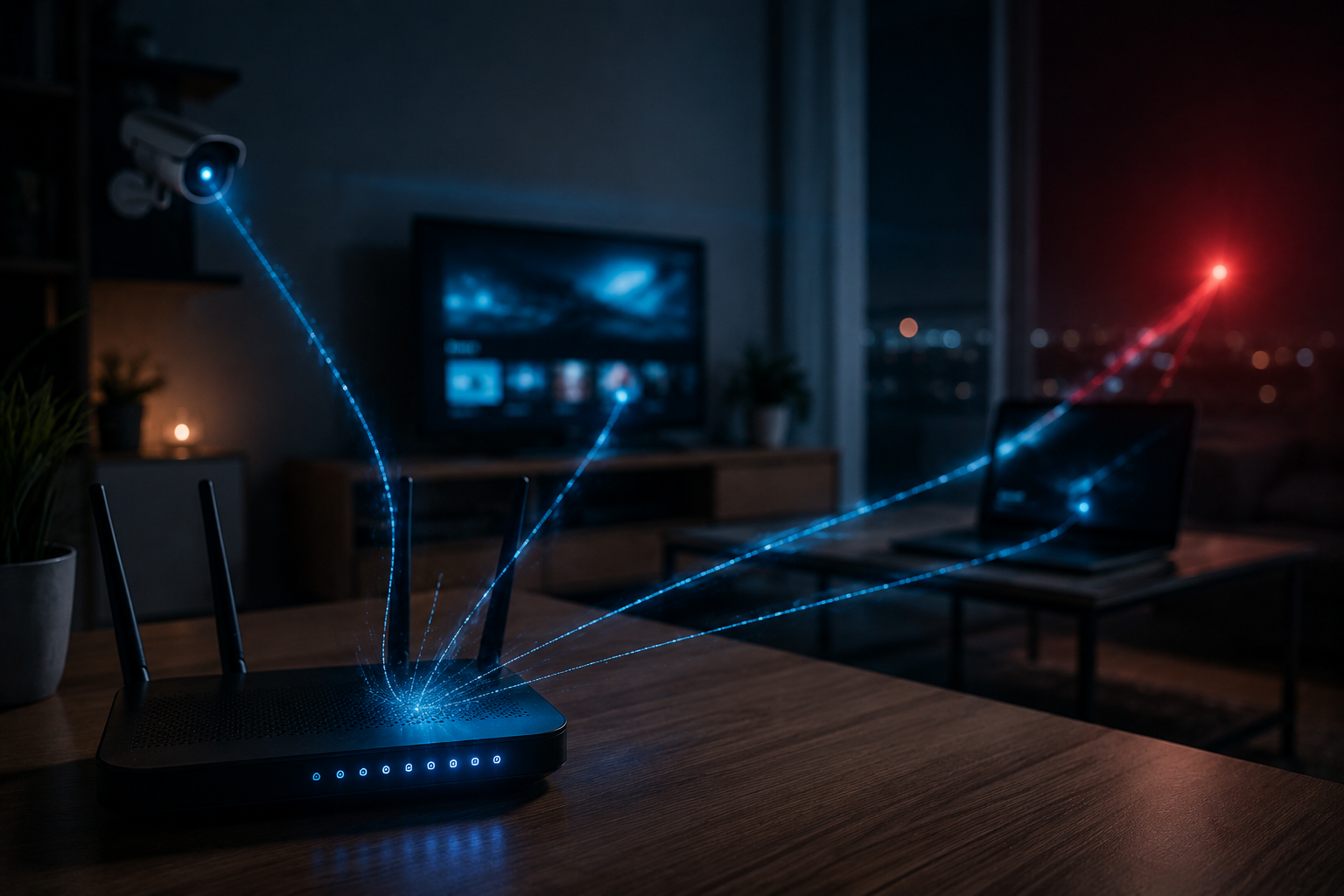
| Threat Level: HIGH The JDY botnet, linked to Chinese state-sponsored hacking groups, has grown from 650 to over 1,500 compromised home routers and IoT devices. It is actively scanning the internet for vulnerable targets, including systems in the U.S., and feeding that intelligence directly to nation-state actors. |
What Happened
Researchers at Lumen’s Black Lotus Labs published findings on June 10, 2026 showing the JDY botnet has significantly expanded its reach and sophistication. JDY was first identified in late 2023 as part of the KV-botnet, a network tied to Volt Typhoon, a Chinese state-sponsored hacking group. When the U.S. government dismantled KV-botnet in early 2024, JDY did not disappear. It adapted.
Today JDY operates as a standalone reconnaissance network. It infects small office and home office (SOHO) routers and Internet of Things (IoT) devices, turns them into silent scanning agents, and uses them to map internet-connected systems at scale. The data feeds directly into Chinese threat actor operations for identifying targets and timing attacks around newly disclosed vulnerabilities.
The botnet now includes devices from Ubiquiti, Linksys, Hikvision, DrayTek, Mimosa Networks, and Araknis. The majority of compromised nodes sit inside the United States, which is not accidental. U.S.-based IP addresses blend into normal traffic patterns and bypass geographic filtering tools that organizations use for defense.
Who This Affects
Home users and small business owners are the primary infection targets. JDY does not go after your data directly. It goes after your router or smart device, then uses it as a tool to scout other targets. Your internet connection becomes part of a state-sponsored surveillance operation without any visible sign on your end.
The brands listed in the botnet include some of the most common home and small business networking equipment on the market. If you own a Linksys, Ubiquiti, or Hikvision device and have not updated its firmware recently, your device is a realistic target. Once infected, the malware deletes itself from disk, leaving no obvious trace while continuing to run in memory.
Small businesses running their own routers, IP cameras, or network-attached storage devices face compounded risk. These devices often sit on the same network as customer data, payment systems, or employee credentials. A compromised device gives attackers an inside view of what else is on your network.
What to Do
Update Your Router and Device Firmware
Firmware updates patch the vulnerabilities JDY uses to gain access in the first place. Most people never update their router firmware after the initial setup. This is where the exposure starts.
- Log into your router’s admin panel (usually 192.168.1.1 or 192.168.0.1 in your browser) and look for a firmware update option under Settings or Administration.:
- Check the manufacturer’s website for your specific device model if the admin panel does not offer updates directly.:
- Do the same for any IP cameras, smart switches, or other network devices you own.:
Change Default Credentials
Botnets frequently gain access through factory-default usernames and passwords that owners never changed. Log into each device and set a strong, unique password for the admin account.
Disable Remote Management if You Do Not Use It
Most home routers have a remote access feature that lets you manage the device from outside your network. If you do not use this feature, turn it off. It is one of the most common entry points attackers use.
Segment Your Network
If you run a small business or have smart home devices, put them on a separate network from your computers and phones. Most modern routers support a guest network. Use it for IoT devices so a compromised camera or smart device cannot reach the rest of your systems.
Consider a Security-Focused Router or DNS Filter
Consumer-grade routers offer minimal built-in threat detection. These affordable options add a meaningful layer of protection:
- Eero Pro with Eero Plus: ~$100/year subscription. Includes threat scanning, ad blocking, and automatic firmware updates for the router itself.
- Firewalla Gold: ~$200 one-time purchase. A dedicated network security device that monitors all traffic, blocks known malicious IPs, and alerts you to unusual behavior.
- NextDNS: Free to $20/year. A DNS-based filter that blocks connections to known malicious domains at the network level, covering every device on your network.
- Cloudflare 1.1.1.1 for Families: Free. A DNS resolver that blocks malware and adult content. Takes five minutes to set up on any router.
Check If Your Device Is Known to Be Vulnerable
CISA maintains a public list of devices and software with known exploited vulnerabilities. If your router model appears on this list, treat it as compromised until patched or replaced.
| What to Do Right Now Update the firmware on your router and any smart devices today. Change default passwords. Disable remote management if you do not use it. These three steps close the most common entry points JDY uses to recruit devices into the botnet. |
References
- The Hacker News, China-Linked JDY Botnet Expands to 1,500+ Devices for Cyber Reconnaissance
- Lumen Black Lotus Labs, Expanded JDY IoT and SOHO Botnet Enables Rapid Vulnerability Exploitation
- CISA Known Exploited Vulnerabilities Catalog
- Firewalla Gold Network Security Device
- NextDNS, Network-Level DNS Filter
- Cloudflare 1.1.1.1 for Families
- Eero Plus Security Subscription