
| Threat Level: MEDIUM, Lasting Impact Group-IB, INTERPOL, and Algerian police dismantled SniperDz, a phishing-as-a-service network that operated for roughly a decade and supplied fake login pages used to steal credentials at scale. |
What Happened
In an operation named Ramz, Group-IB worked with INTERPOL and Algerian police to dismantle SniperDz, a phishing-as-a-service platform that had been running for close to ten years. The alleged developer was arrested as part of the operation.
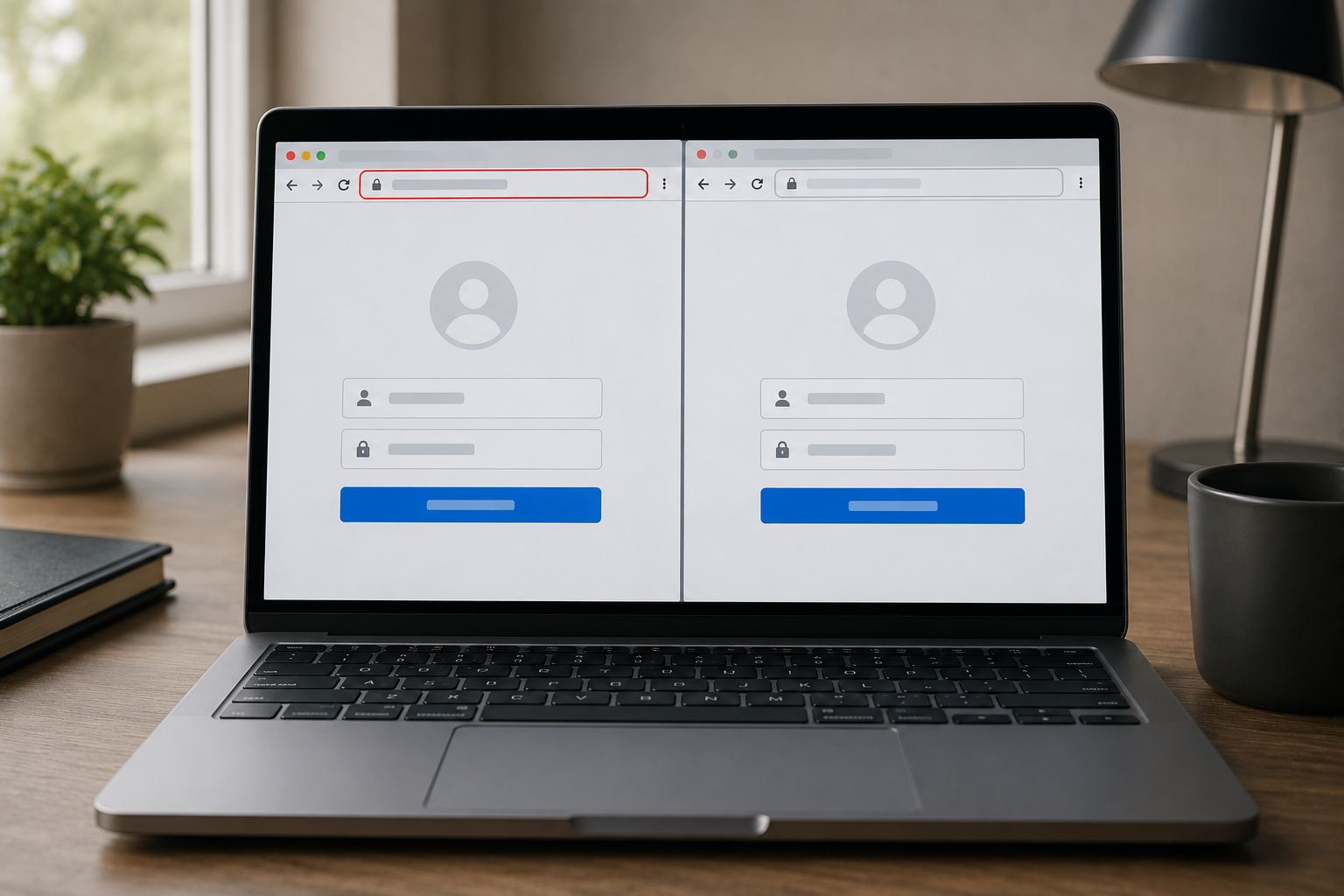
SniperDz worked by supplying fake login pages that closely mimicked real banks, social media platforms, and email providers. Other criminals used these templates to run their own phishing campaigns, capturing usernames and passwords from anyone who entered them on the fake page.
Ten years is a long operational life for a criminal platform. That longevity means an enormous number of fake login pages built on this infrastructure have been circulating for years, and many may still be live or copied onto new infrastructure even after this takedown.
Who This Affects
Anyone who has ever typed a password into a link from an email, text, or social media message has potential exposure to networks like this one. The platforms impersonated, banks, email providers, and social media, are services nearly everyone uses daily, which is exactly why they were chosen.
People who reuse the same password across multiple accounts face the highest risk. A credential captured through one fake banking page becomes useful for an attacker far beyond that one account if the same password unlocks your email, your shopping accounts, or your work login too.
Small business owners should pay attention to employee training here. A single employee entering company credentials into a fake Microsoft 365 or Google Workspace login page, both common SniperDz-style targets, can give an attacker access to company email, shared files, and client communications.
What to Do
Stop Reusing Passwords
This is the single highest-impact change available to most people. If one account is compromised through a fake login page, a unique password keeps the damage contained to that account alone.
- Bitwarden: Free. Generates and stores unique passwords for every account, with browser extensions that autofill correctly only on real sites.
- Google Password Manager: Free, built into Chrome and Android. Includes a built-in check that flags reused or compromised passwords.
Check Links Before You Trust Them
- Look at the actual domain: Fake pages often use addresses that are close to the real one but not exact, such as added words, hyphens, or a different ending.
- Hover before clicking: On a computer, hovering over a link shows the real destination in the corner of the browser before you click.
- VirusTotal URL check: Free. Paste any suspicious link into virustotal.com to scan it against dozens of security databases before opening it.
Train Employees on Fake Login Pages
For small businesses, a short, recurring reminder about fake login pages costs nothing and closes one of the most common entry points into business systems. Two affordable options for structured training:
- KnowBe4: Pricing varies, smaller plans available for small teams. Sends simulated phishing emails and tracks who clicks, with short training videos for anyone who does.
- Google Workspace security checkup: Free for Workspace admins. Run periodically to review which accounts have two-factor authentication enabled and which do not.
| What to Do Right Now Run a password reuse check using your browser’s built-in password manager and replace any reused passwords this week. If you run a business, send your team one short reminder about checking the address bar before entering login details. |
| Next Steps Run a password checkup: Use Google Password Manager’s built-in checkup to find reused or weak passwords across your accountsVerify a suspicious link: Paste any link you are unsure about into VirusTotal before clicking Questions about your specific situation: Contact us Here or Schedule a Free 30 Minute Consult Here |